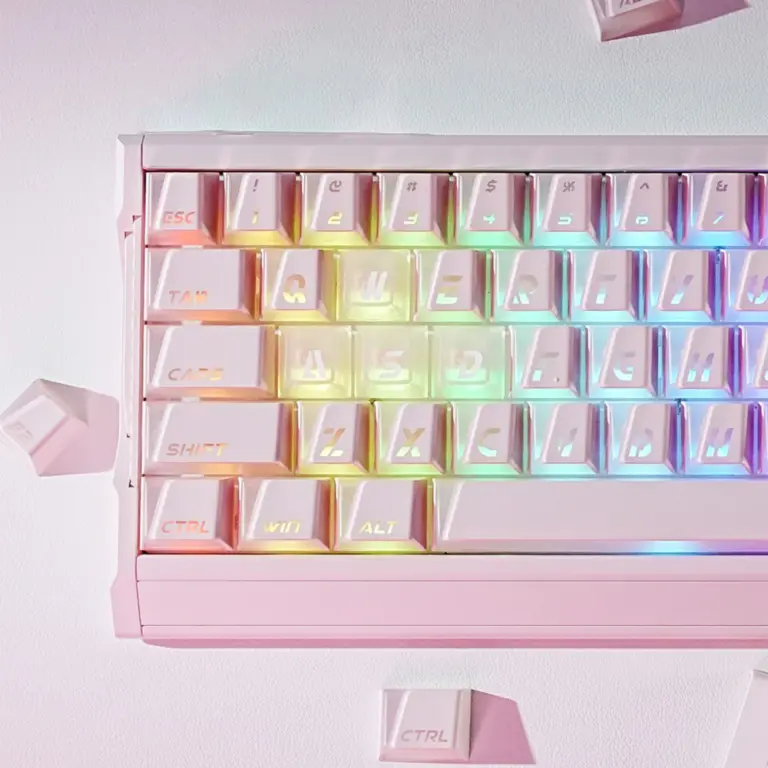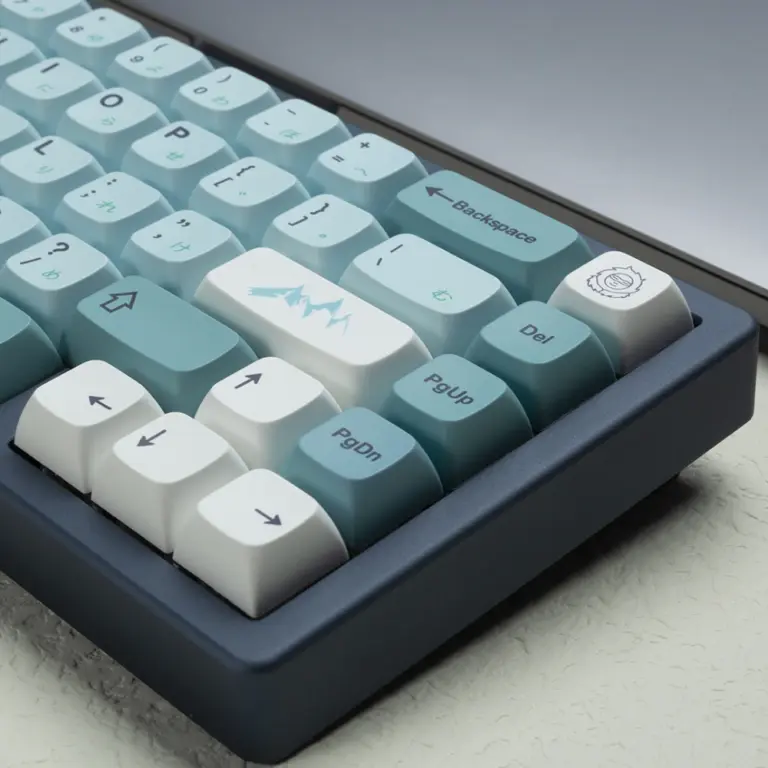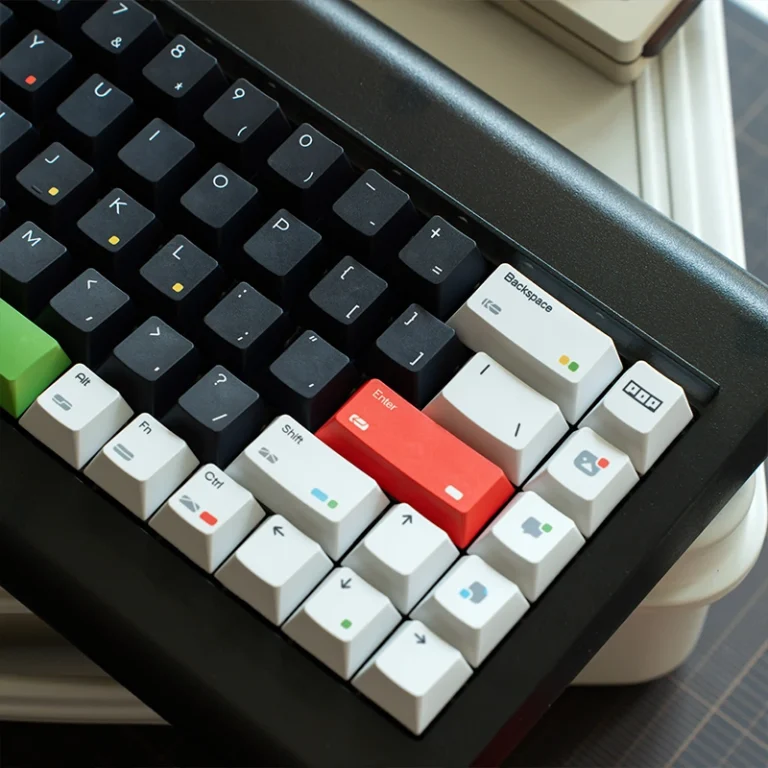
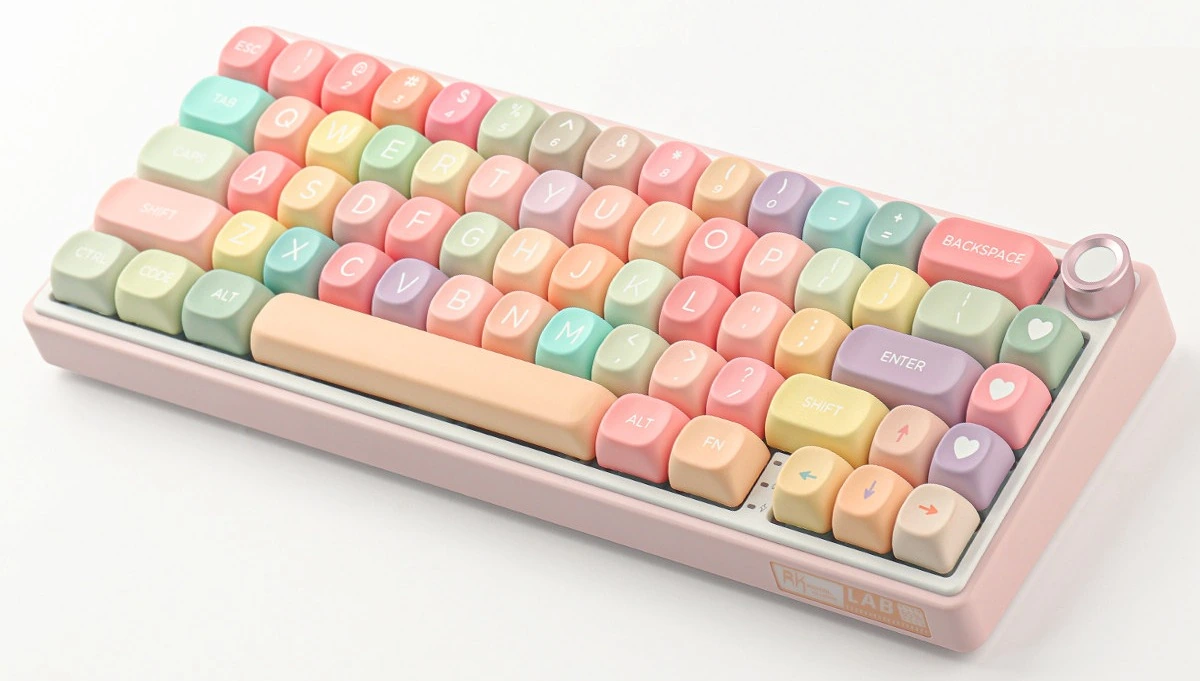
Scroll through any mechanical keyboard forum, Instagram feed, or TikTok desk setup video and you’ve seen them: those round, pillowy, almost candy-like keycaps that make every keyboard look adorable. You stopped scrolling. You wanted to know what they are. Those are MOA profile keycaps, a uniform-height, spherical-topped keycap profile that has quietly become the fastest-growing aesthetic trend in the mechanical keyboard hobby.
Oh, and they also happen to sound incredible. But we’ll get to that.
By the end of this guide, you’ll know exactly what makes MOA unique, how it compares to every major profile, whether it suits your typing style, and which MOA sets are actually worth your money.
Key Takeaways
- MOA profile is the cute, rounded, pillowy keycap profile dominating desk-setup content on social media, every key is the same uniform height (~9.8mm), giving your keyboard a clean, minimalist silhouette that photographs beautifully
- As a bonus, thick PBT walls and the tall spherical cavity create a surprisingly deep, “creamy” thock, these don’t just look cute, they sound far more expensive than they are
- Typing feel is polarizing: comfortable for short sessions and casual use, but the uniform height and spherical “walls” can fatigue your fingers during long typing marathons
- Full MOA PBT sets range from $25–$60, making them one of the most affordable ways to dramatically transform your keyboard’s look (and, yes, its sound too)
- Best for: desk setup creators, casual typists, pastel/anime-themed build enthusiasts, and anyone who wants their keyboard to look as good as their Instagram feed. Skip it if: you’re a competitive gamer, a heavy programmer, or you rely on sculpted row profiles for ergonomics
Table of Contents
What Is MOA Profile?
MOA stands for “Molded keycaps with Organic Angles”, a backronym that captures exactly what these keycaps look like: soft, rounded, almost pillowy shapes that feel nothing like the angular, cylindrical tops you’d find on a standard OEM or Cherry set.
Unlike sculpted profiles where each row sits at a different height and angle, MOA is a uniform profile. Every single key, from the number row down to the spacebar row, is identical in height and shape. This uniformity is part of its aesthetic appeal: viewed from the side, a keyboard with MOA keycaps looks perfectly level, creating a clean, minimalist silhouette.
Physical Dimensions
MOA profile height sits in the medium-to-tall range among keycap profiles, noticeably taller than Cherry or XDA but shorter than the towering SA profile.
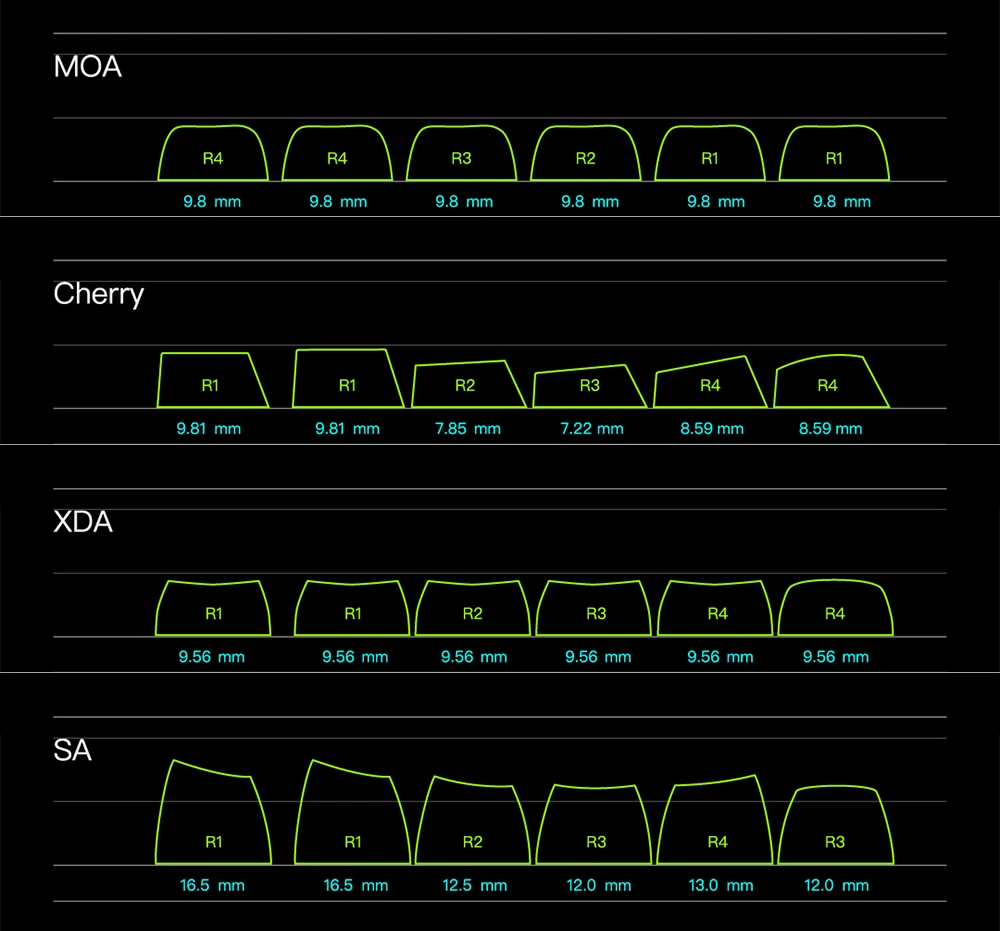
| Profile | Approximate Height | Sculpted? | Top Shape |
|---|---|---|---|
| Cherry | ~7.22mm – ~9.4mm | Yes | Cylindrical |
| XDA | ~9.56mm | No | Flat-dish |
| MOA | ~9.8mm | No | Spherical |
| SA | ~12mm – ~16.5mm | Yes | Spherical |
The keycap walls on quality MOA sets are typically 1.5–1.8mm thick. That thickness is the secret behind MOA’s acoustic profile: thicker walls mean more mass, and more mass absorbs high-frequency vibrations, leaving behind the deeper, rounder tones that enthusiasts describe as “thocky” or “creamy.”
Material Quality
Almost all MOA sets on the market use PBT (Polybutylene Terephthalate) plastic. This isn’t an accident, PBT is naturally denser than ABS, resists the oily “shine” that develops on keycaps over months of use, and holds dye-sublimation legends far better. The legends are embedded into the plastic itself rather than printed on top, which means they won’t fade or peel even after years of daily typing.
You’ll occasionally find PC (polycarbonate) MOA variants designed for RGB builds, but PBT dominates the category for good reason: it simply sounds better.
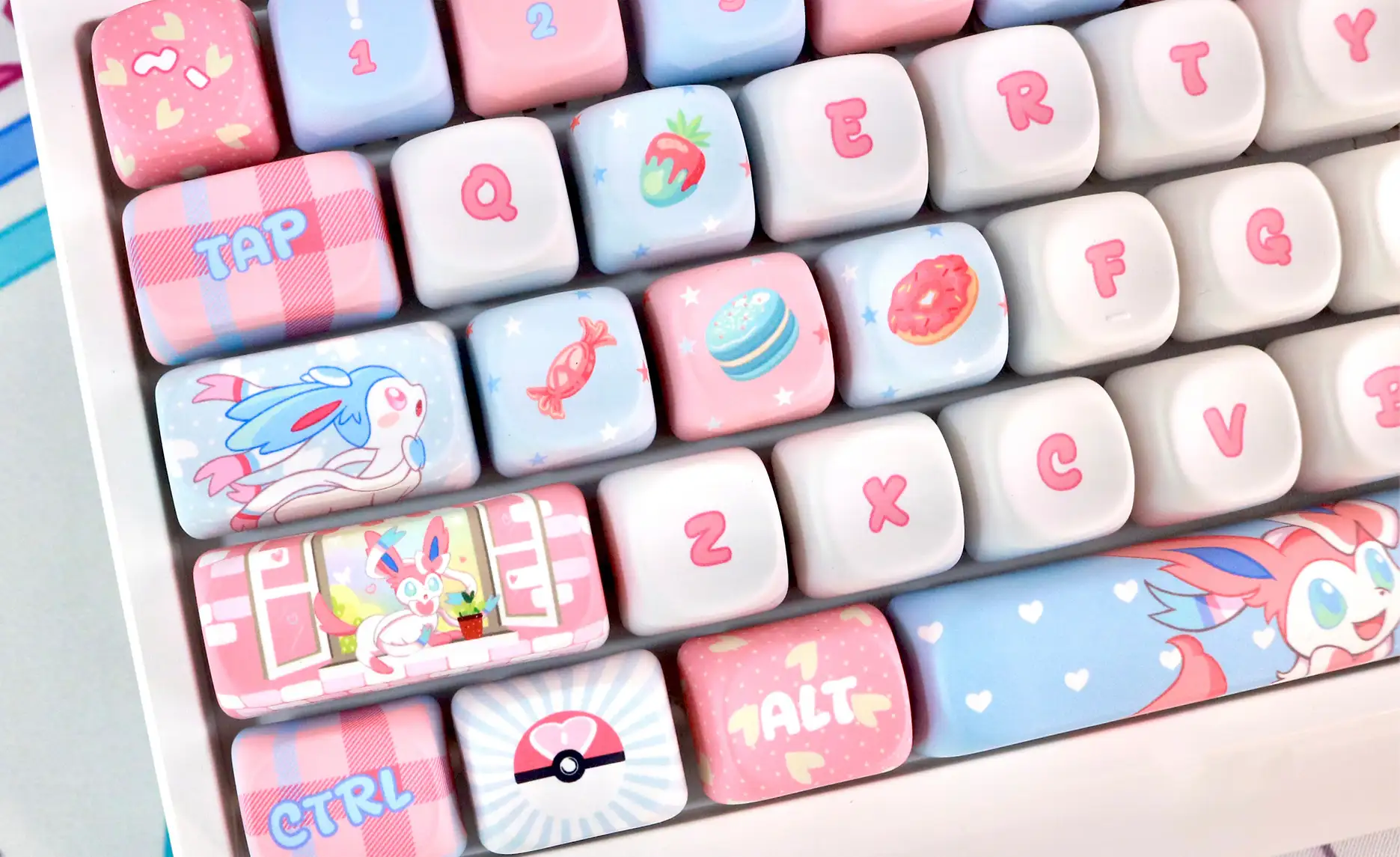
I’ve seen someone swap a $38 PBT MOA set onto a budget barebones kit and immediately realize the hollow ping they’d been blaming on their switches was the keycaps all along, they never changed a single switch, and the board sounded like something twice the price.
MOA Profile vs. Other Keycap Profiles
If you’re coming from a standard mechanical keyboard, you’ve almost certainly been typing on OEM or Cherry profile keycaps. Here’s how MOA compares to the profiles you’re most likely to encounter.
MOA vs. Cherry Profile
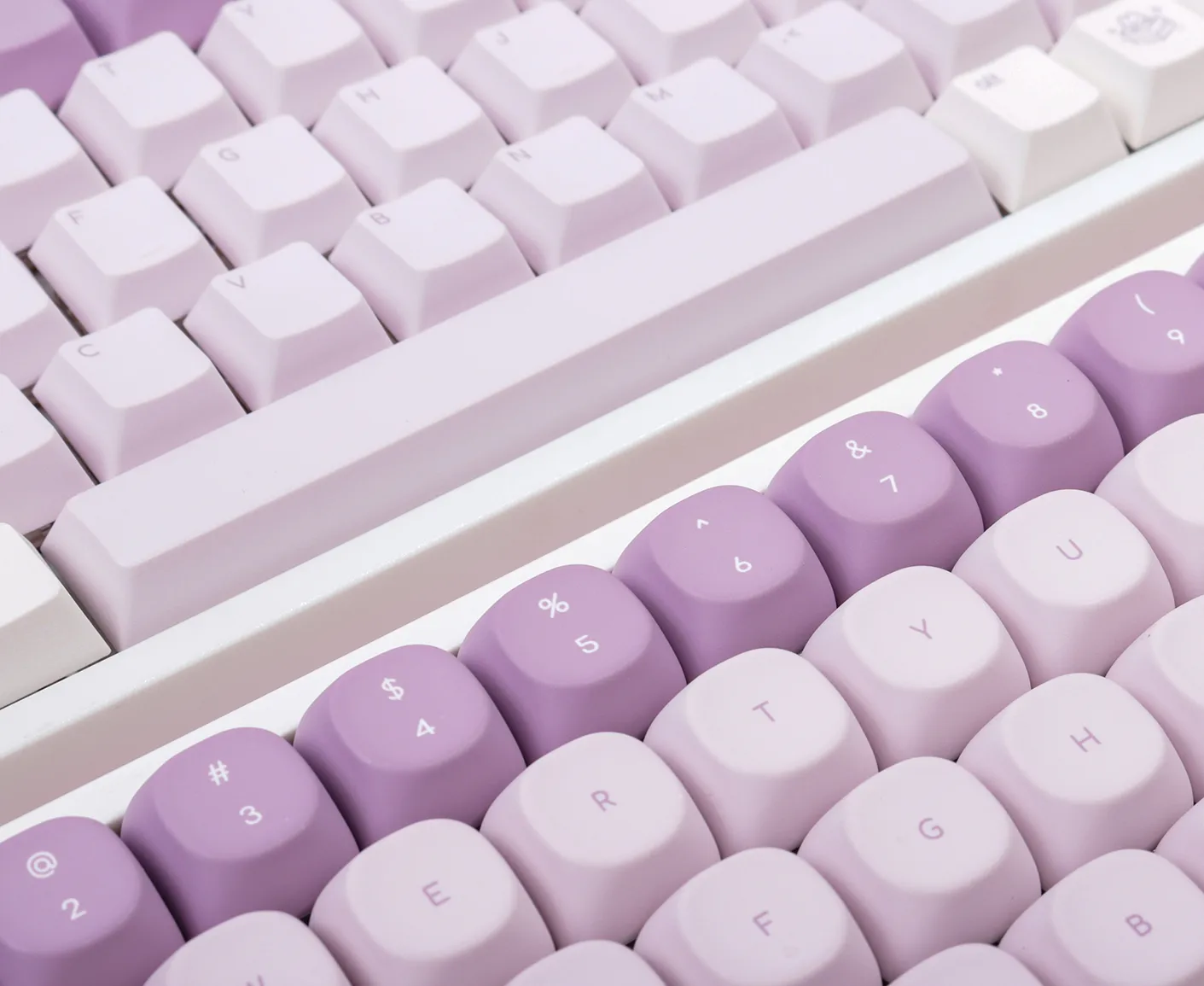
Cherry profile is the enthusiast gold standard for a reason: it’s sculpted, low, and ergonomically refined. Each row tilts at a slightly different angle to match the natural arc of your fingers as they reach across the keyboard.
MOA throws that playbook out the window. Every key is the same height, and the tops are deeply spherical rather than gently cylindrical. The result: your fingers can’t “slide” from key to key the way they can on Cherry. Instead, each keypress is a discrete, intentional motion, which some people love (every keystroke feels deliberate and satisfying) and others find exhausting.
Choose Cherry if you type for 6+ hours a day and care about speed and endurance. Choose MOA if you care more about sound, aesthetics, and the sensory experience of each individual keypress.
MOA vs. XDA Profile
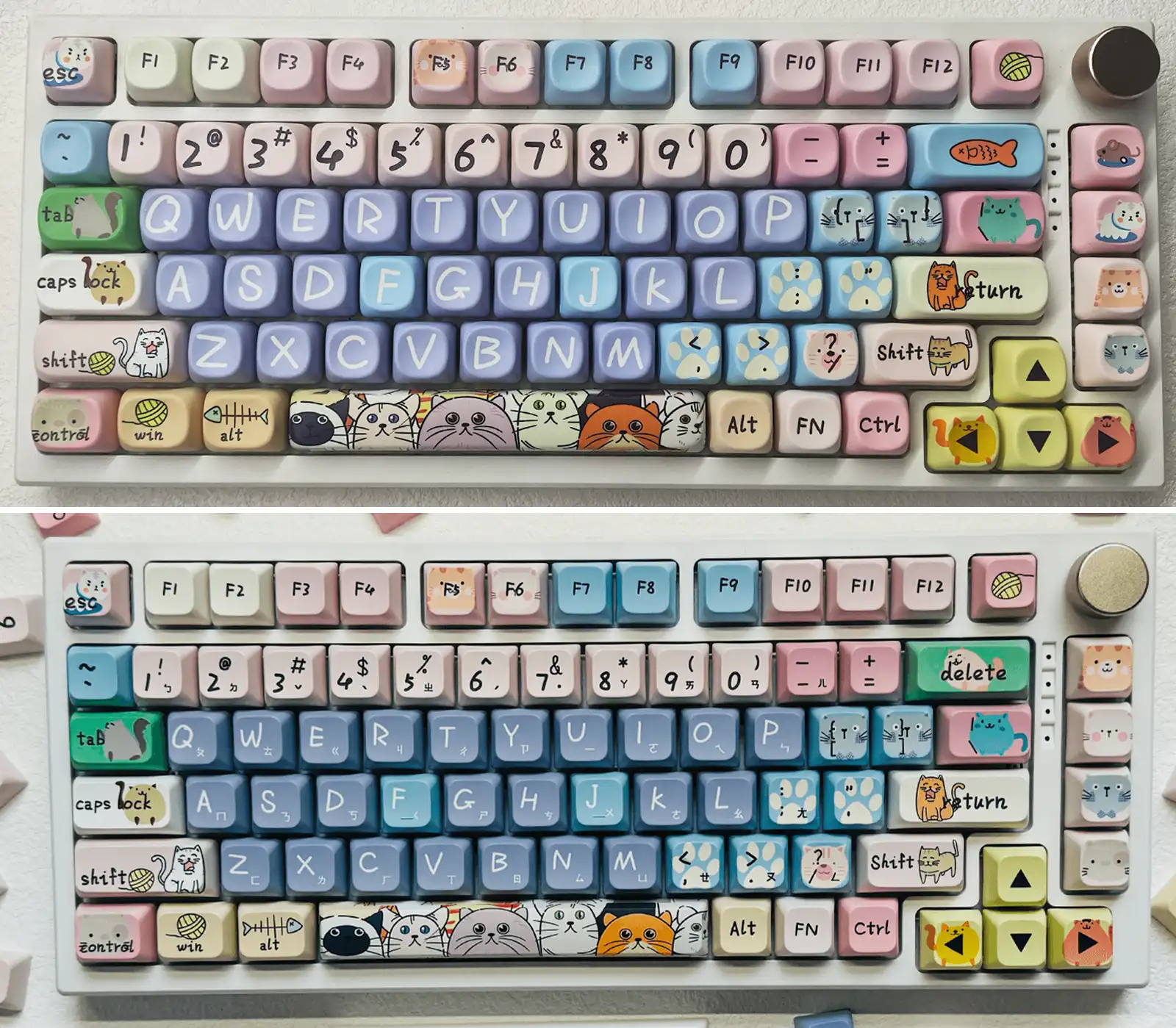
This is the comparison people search for most, and for good reason. XDA and MOA look similar at a glance: both are uniform, both have rounded edges, both use thick PBT. But the differences matter:
- Height: The standard XDA keycaps typically sit at 9.0mm, specific versions (like the 9.56mm ones shown here) can vary by brand. Even so, MOA remains slightly taller at 9.8mm.
- Top surface: XDA has a wide, flat-dish top with a slight indent. MOA has a deeper, more pronounced spherical scoop with raised edges.
- Sound: XDA tends toward a balanced, neutral tone. MOA is noticeably deeper and more resonant, the extra height acts like a tiny echo chamber under each keycap.
- Typing feel: XDA is more forgiving for slide-typing because the dish is shallower. MOA’s deeper scoop “traps” your fingertips, forcing more deliberate keypresses.
MOA vs. SA Profile
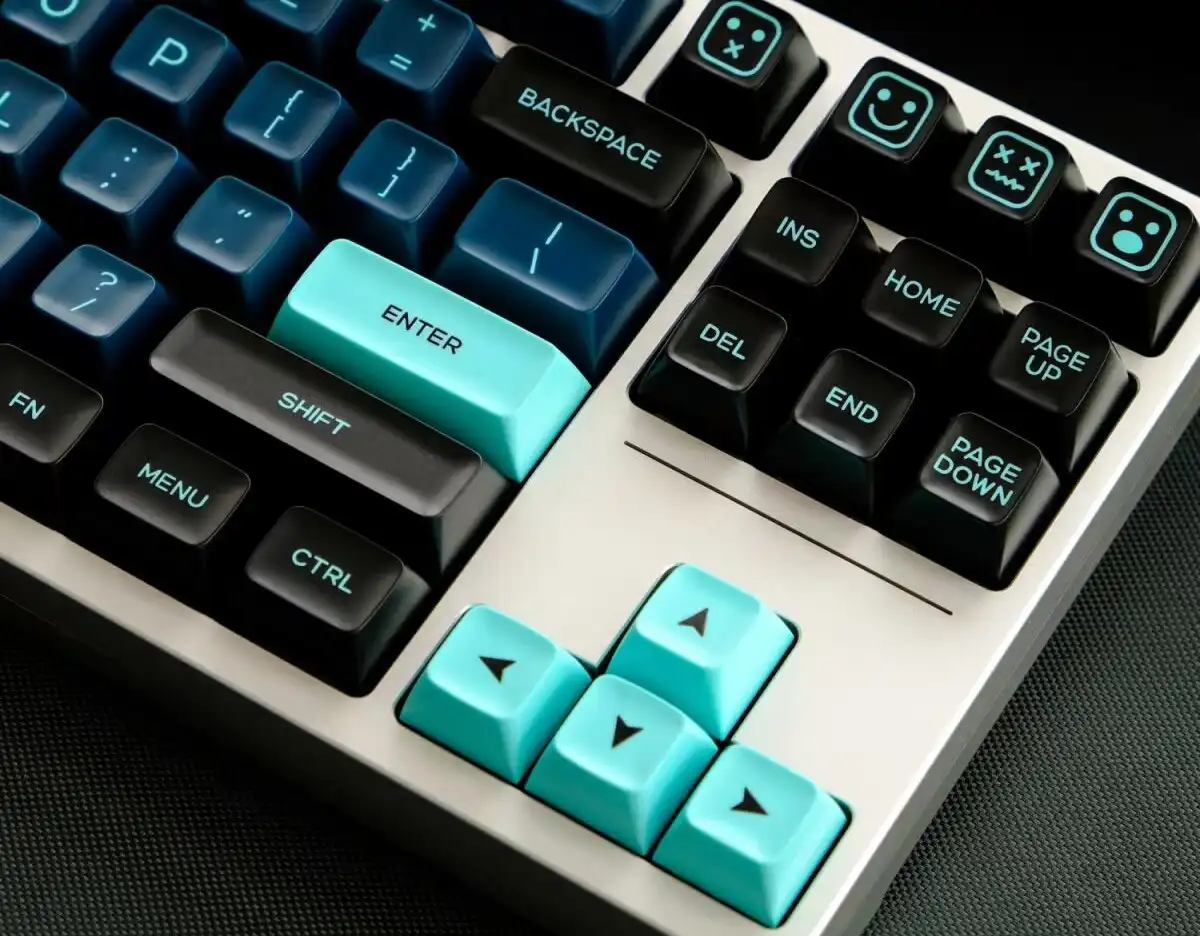
SA is the skyscraper of keycap profiles, sculpted, towering at ~16.5mm, and unmistakably retro. MOA shares SA’s spherical tops but at roughly 60% of the height. If SA feels like typing on a vintage typewriter, MOA feels like typing on smooth, rounded pebbles. SA demands a wrist rest; MOA usually doesn’t.
Quick Comparison Table
| Profile | Height | Sculpted? | Sound Signature | Best For |
|---|---|---|---|---|
| Cherry | Low | Yes | Crisp, precise | Ergonomics, all-day typing |
| OEM | Medium | Yes | Balanced, familiar | Beginners, pre-built boards |
| XDA | Low | No | Neutral, balanced | All-round, uniform builds |
| MOA | Medium-Tall | No | Deep, creamy, “thocky” | Aesthetics, sound, desk setups |
| SA | Very Tall | Yes | Deep, echoey, resonant | Retro builds, slow typing |
The MOA Typing Experience
Let’s talk about MOA profile typing feel, what it’s actually like to use these keycaps day after day, because this is where opinions split hardest.
How It Feels
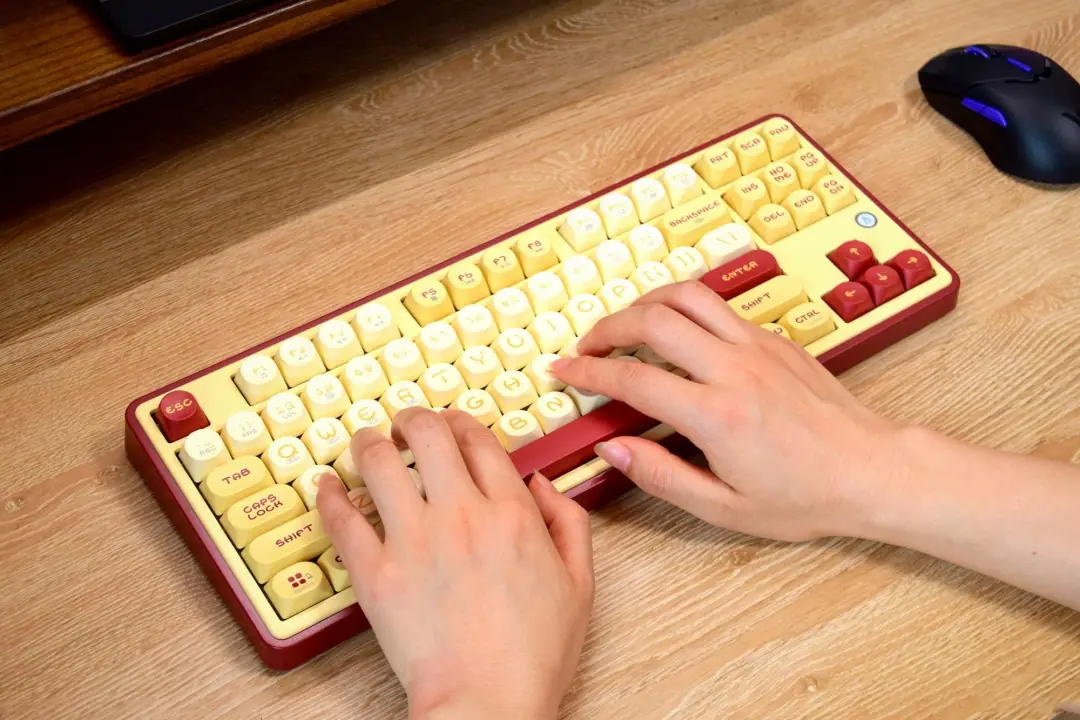
The first thing you notice is the scoop. Each MOA keycap has a pronounced spherical depression that your fingertip settles into. It’s genuinely pleasant at first, the rounded edges feel soft, and the wide surface area (wider than Cherry’s tops) means you’re less likely to miss a key.
The second thing you notice, usually about an hour in, is the extra work. Because every key is the same height and the spherical walls are pronounced, you can’t slide across the board the way you can on cylindrical Cherry tops. You lift, you drop. Each motion is distinct. For a 30-minute email session or casual browsing, this feels satisfying. For an 8-hour coding session, it becomes genuinely fatiguing.
One developer I know bought MOA for his work keyboard and loved the sound for the first week, coworkers commented on how clean his desk looked. By week three, his WPM had dropped from 105 to 88 and his fingers ached by 4pm. He kept the MOA set on his home board for evenings and weekends, but Cherry profile went back on the work keyboard.
I’m not going to sugarcoat this: MOA is not an ergonomic profile. The uniform height forces your fingers to work harder across rows, and the spherical walls resist off-angle hits. If you have any history of RSI or carpal tunnel, MOA is probably not your profile. But if you type 1–2 hours a day, casual browsing, messaging, light document editing, the ergonomic downsides are barely noticeable, and the sound and feel more than compensate.
The switch patterns go both ways. One split ergo user described MOA as “vastly inferior” for thumb cluster comfort compared to sculpted profiles, while others in the same thread called it the best-feeling uniform profile they’d used. Profile preference is deeply personal, your board, your hands, and your typing style matter more than any consensus.
The Sound (The Bonus You Weren’t Expecting)
Most people buy MOA for the looks. Then they plug the board in and realize something unexpected: these cute little keycaps sound *serious*. The combination of thick PBT walls (1.5mm+), tall height (~9.8mm), and spherical cavity creates an acoustic chamber under each keycap that amplifies lower frequencies and dampens higher ones. The result is that coveted “creamy” or “marbly” sound, think raindrops on a windowpane, not the sharp plasticky clack of thin ABS caps.
It’s the kind of happy accident that turns a cosmetic upgrade into a full acoustics transformation. Pair MOA with a long-pole linear switch (like Gateron Oil Kings or Black Sesame switches) and a gasket-mounted board, and you’ll get a sound profile that punches far above the price point of the keycaps themselves. A $35 MOA set can make a $60 barebones kit sound closer to a $300 custom build, not bad for something you bought because it looked cute.
Who Should Choose MOA Profile?
MOA is for you if:
- You saw those cute round keycaps on Instagram/TikTok/Reddit and haven’t stopped thinking about them
- You’re building a desk setup that looks as good as it sounds (and you care about looks first)
- You love the rounded, pillowy aesthetic, especially for pastel, anime, or kawaii-themed builds
- You type in shorter bursts (under 3-4 hours a day)
- You’re buying your first custom keycap set and want maximum visual impact for the money
- As a happy bonus, you’ll get that deep, creamy “thock” without spending $200+
Skip MOA if:
- – You type for 6+ hours daily (programmers, writers, support staff)
- – You’re a competitive gamer who needs fast, precise key transitions
- – You rely on sculpted rows for ergonomic comfort
- – You need shine-through legends for RGB visibility in the dark
MOA Profile Compatibility: What to Check Before You Buy
Switch Compatibility
MOA keycaps use standard MX-compatible stems, the cross-shaped “+” stem that fits Cherry MX, Gateron, Kailh, and virtually every modern mechanical switch. If your switches have that cross stem, MOA will fit. The full keycap compatibility guide covers edge cases, but for 95% of keyboards, the answer is “yes, it fits.”
Layout Support
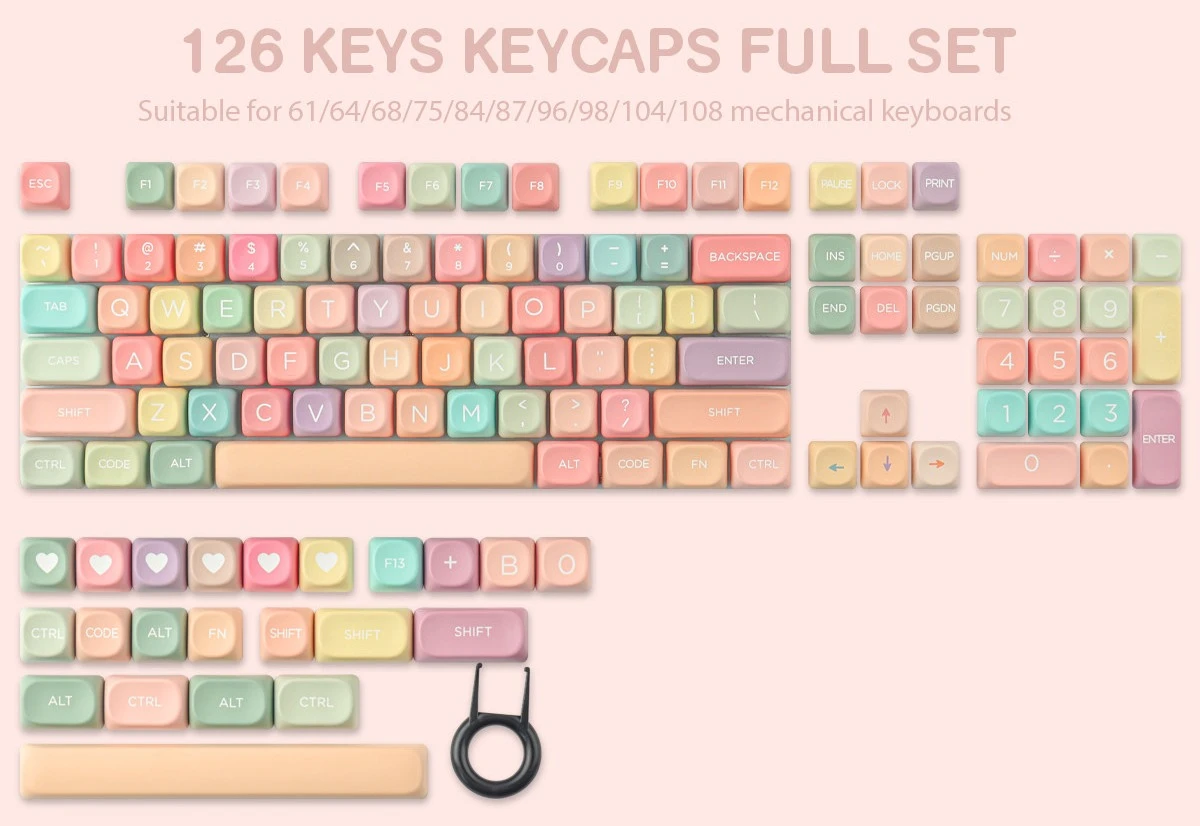
Most MOA sets come in 126-key or 135-key configurations, which covers the vast majority of layouts:
| Layout | Support | Notes |
|---|---|---|
| 60% | Yes | Full coverage in 126+ key sets |
| 65% | Yes | Check for 1.75u right shift |
| 75% | Yes | Verify novelty/modifier keys included |
| TKL (87-key) | Yes | Standard coverage |
| Full-size (104-key) | Yes | Standard coverage |
| Alice / Arisu | Partial | May need additional modifier kits |
| Split / Ortho | Partial | Uniform profile helps, but spacebar sizes vary |
The RGB Question
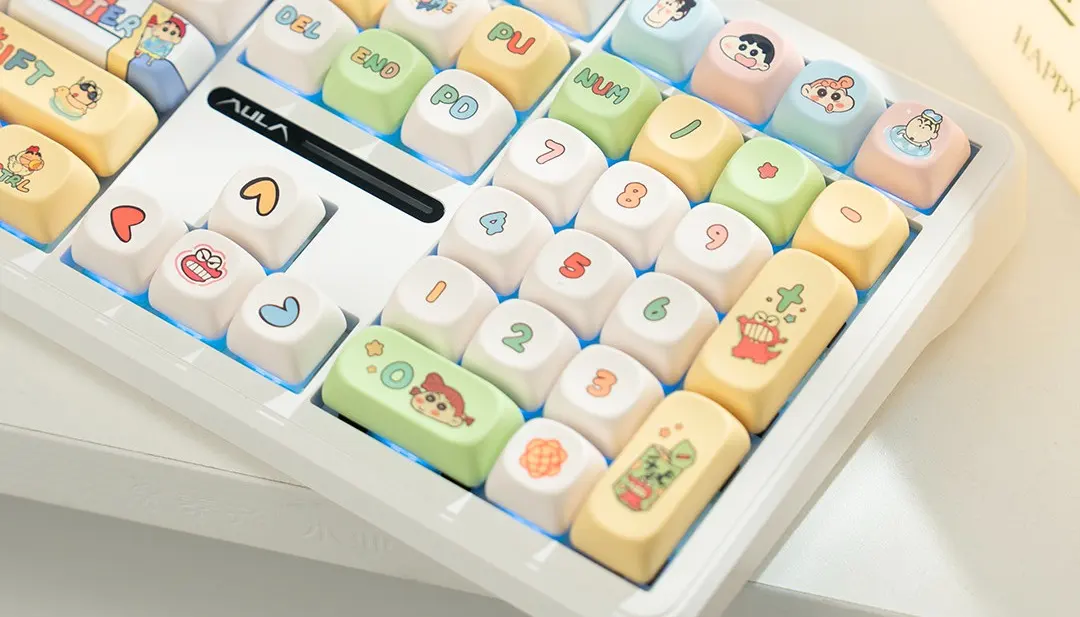
MOA’s thick PBT walls block most backlighting. If you want shine-through legends that glow in the dark, MOA is a poor choice, look at PC (polycarbonate) keycaps or the Nuclear Power profile designed specifically for RGB diffusion. However, MOA does create a pleasant under-glow effect: light spills out from under the keycaps rather than through them, which many builders prefer aesthetically.
I’ve seen someone put MOA caps on a board they’d spent three months perfecting, per-key lighting, animated wave patterns, the works, and watch 90% of the light vanish. They kept the MOA set anyway because it sounded too good to give up, switched the RGB to a static warm white, and ended up liking the under-glow more than the rainbow show they’d originally planned. Sometimes the “limitation” pushes you somewhere better.
Best MOA Profile Keycap Sets in 2026
The MOA market has exploded in the past 18 months. Here are the sets that consistently earn community praise:
Budget Tier ($25–$40)
– Gekucap MOA Series, Solid 1.5mm PBT, dye-sub legends, wide colorway selection. The black/purple set is a community favorite for its deep, understated look.
– Tsungup Rainbow Candy, 126 keys, vibrant dye-sub work, ~$33. Bright and playful, ideal for pastel or anime-themed builds.
Mid-Range ($40–$70)
– Akko MOA Sets (Pink Phantom, Swan Sonata, Rainbow Candy), Akko brings their dye-sub expertise to MOA with consistently sharp legends and creative colorways. The Swan Sonata in particular has a milky purple aesthetic that photographs beautifully.
– KeysFusion Designer MOA Collections, Anime-themed MOA sets featuring Pokemon, One Piece, and original designs. Five-sided dye-sublimation on thick PBT, with extended layout support for 65%, 75%, and Alice configurations. These are the sets that turn a keyboard into a conversation piece.
Premium ($70+)
– Limited-run group buy MOA sets, Small-batch runs with unique colorways and novelty keys. Availability is sporadic; follow community channels for drop announcements.
What to look for regardless of price:
1. PBT, not ABS, If it doesn’t say PBT, assume ABS and skip it
2. Dye-sub or double-shot legends, Avoid pad-printed legends that wear off in months
3. 1.5mm+ wall thickness, Thinner caps sound hollow regardless of profile
4. 126+ keys, Smaller kits may not cover your layout
Caring for MOA Profile Keycaps
MOA’s thick PBT construction makes maintenance straightforward:
- Cleaning: Remove keycaps, soak in warm water with a drop of mild dish soap for 15–20 minutes, rinse, and air-dry completely before reinstalling. Avoid isopropyl alcohol on dye-sub legends.
- Preventing shine: PBT naturally resists the oily shine that plagues ABS caps. Wash your hands before typing and wipe down keycaps monthly with a dry microfiber cloth, and they’ll stay matte for years.
- Storage: If you’re swapping sets seasonally, a keycap storage tray with individual compartments prevents scratches and keeps your layout organized for quick reinstallation.
Frequently Asked Questions
Are MOA profile keycaps compatible with my keyboard?
If your keyboard uses MX-style switches (Cherry, Gateron, Kailh, etc.), MOA keycaps will fit. Most MOA sets include 126+ keys covering standard layouts from 60% to full-size. Check the product listing for specific layout support, especially if you have a 65% or Alice board that needs non-standard modifier sizes.
Is MOA profile better than Cherry profile for typing?
“Better” depends entirely on what you value. Cherry profile is objectively more ergonomic for long typing sessions thanks to its sculpted rows and lower height. MOA is better for sound and aesthetics. If you type 6+ hours a day, Cherry wins. If you type casually and want your keyboard to look and sound incredible, MOA makes a strong case.
Why does MOA profile sound “thocky”?
The thock comes from physics: tall keycaps (~9.8mm) create a larger internal cavity, thick PBT walls (1.5mm+) absorb high-frequency vibrations, and the spherical top shape alters how sound waves resonate inside the keycap. Together, these factors emphasize lower frequencies and suppress higher ones, producing the deep, rounded sound enthusiasts describe as “thocky” or “creamy.”
Are MOA keycaps good for gaming?
For casual gaming, yes. For competitive FPS or MOBA play where reaction time matters, Cherry or a low-profile option is a better fit. MOA’s taller height and spherical tops make rapid, sliding key transitions harder, which can cost you milliseconds in high-stakes situations.
Do MOA keycaps get shiny over time?
High-quality PBT MOA keycaps resist shine far better than ABS alternatives. With basic care, clean hands, occasional wipe-down, PBT MOA caps maintain their matte texture for 2–3+ years of regular use before showing any noticeable sheen.
Can I mix MOA with other keycap profiles?
It’s technically possible but not recommended. Mixing profiles creates an inconsistent height and shape across your board, which feels disorienting to type on and looks messy. If you want an accent key, look for an artisan keycap in MOA profile rather than mixing profiles.
How long does it take to get used to MOA profile?
Most people adapt within 3–7 days of regular use. Coming from another uniform profile like XDA or DSA, the transition is faster (2–3 days). Coming from a sculpted profile like Cherry or OEM, expect a full week for your muscle memory to adjust to the uniform height and spherical tops.
Conclusion
MOA profile keycaps occupy a specific and increasingly popular niche: they’re for builders who want their keyboard to be a centerpiece, not just a peripheral. The look is unmistakable, those soft, rounded, candy-like caps are instantly recognizable in any desk setup photo, and the sound, while technically a bonus, is genuinely impressive for the price.
The trade-offs are real: less ergonomic than sculpted profiles, worse for slide-typing, bad for shine-through RGB. But if you’re the person who stopped mid-scroll because a keyboard with those cute round keycaps caught your eye, MOA was made for you.
The best way to know if MOA is your profile? Try it. At $30–$50 for a quality PBT set, the experiment costs less than a night out, and you might just discover your endgame look and sound in one purchase.